Family Photo Archives
How to Review AI-Reconstructed Details in Family Photos
A sharper image is not automatically a more certain record. Use a repeatable checklist to see what AI processing changed, what remains uncertain, and how to keep the original evidence traceable.
A clearer image does not make every detail more certain
AI processing can reduce scan noise, improve local contrast, or make a crease less distracting. But when a scan has lost pixels, a face is covered by a scratch, or compression has erased fine detail, a model may generate a plausible completion. The result can be easier to look at without being a faithful record of what was originally there. For family archives, historical research, or any image used to support an identification, judge visual clarity and evidentiary confidence separately.
This guide offers a review process that a family photo collector can follow: preserve the untouched capture, break the changes into observable questions, and record the source and history of each version. It is not an expert opinion on dating a photograph or identifying a person. If an image matters to a legal dispute, a contested family identification, or a formal archival project, keep the original and consult an appropriate photographic or archival professional.
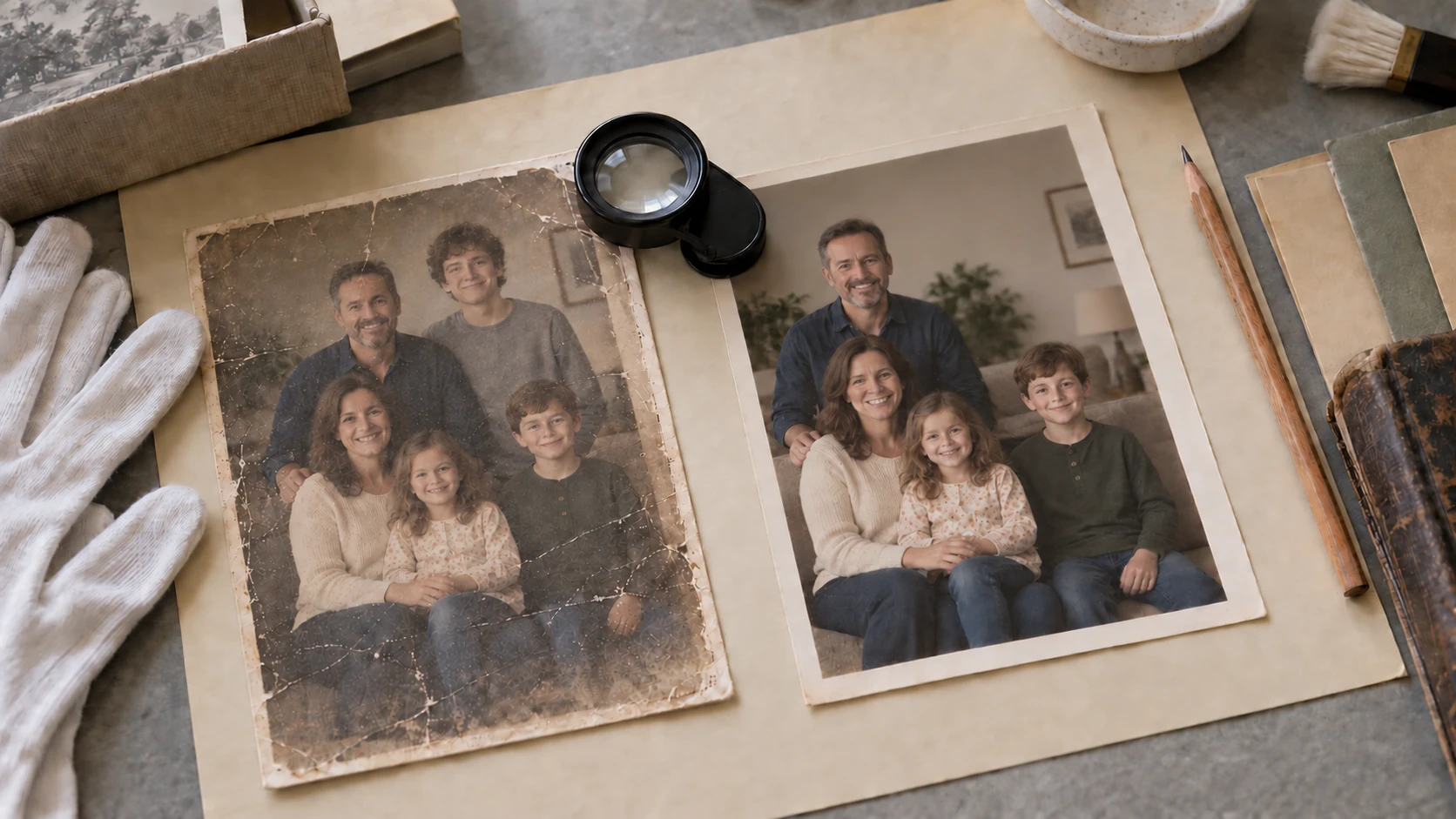
The cover image is an illustrative scene, not a before-and-after comparison from a real restoration case.
Separate image improvements, model guesses, and historical facts
It helps to sort observations into three levels. The first is a visible image change, such as a shift in brightness, color cast, or scan lines. The second is local structure inferred by a model, such as an eye, hairline, collar, or building edge. The third is a historical claim about the photograph, such as who is pictured or when it was taken. A processed image alone cannot turn the second level into the third.
Digitization guidance from archives and libraries emphasizes faithful representation, technical quality, and descriptive metadata. For a family collection, that suggests a useful rule: distinguish a copy made easier to view from the capture master preserved as a reference. The Library of Congress Recommended Formats Statement for still image works likewise treats faithful representation and usable metadata as important considerations for digital photographs.
Start with a traceable master, not the most attractive version
Keep the first scan or camera file as an unedited master, marked read-only or backed up separately. Never save a processed result over it, and avoid using a compressed social-media download as the only source. Record where the image came from, when it was scanned or photographed, its dimensions and color mode, and whether both sides of the print were captured. If a relative supplied a name or date, note who provided it, when, and whether it came from a first-hand memory, a document, or a guess.
Save each processing pass as a new file, such as `family-023_master.tif` and `family-023_review-v1.jpg`. A simple spreadsheet can track the version, date, steps, operator, and notes. Large institutions may use detailed preservation metadata standards; a family archive does not need to adopt a full system on day one. It should, however, let a future relative answer: Where did this image come from? What changed? Is an untreated version still available? The Library of Congress Personal Digital Archiving resources offer further guidance on describing digital photographs, choosing file formats, and managing personal collections.
Make a repeatable side-by-side comparison
Compare the original and processed versions on the same display, at similar viewing sizes and with the same crop. First look at the whole photograph at normal viewing size, then inspect details around 100% zoom; extreme magnification can make interpolated pixels look like real texture. A slider, layer toggle, or difference view can help locate changes, but always return to the original capture when judging them.
Ask one question at a time, such as “Did the face outline change?” or “Has lettering that was unreadable in the source become a definite character?” Write down what you see so repeated adjustments do not erase your memory of the starting point. If reviewers disagree, preserve the disagreement in your notes rather than forcing a confident-looking answer.
Check the areas most likely to mislead you
Focus on the parts of an image that could change an identification, date, or interpretation of the scene. This checklist works for automatic enhancement and manual retouching:
- **Faces and identity clues:** Compare face shape, eye spacing, nose and mouth outlines, hairline, and age cues. If software supplies facial texture that the source does not support, do not treat it as evidence of identity.
- **Writing and markings:** Inspect handwriting on the back, uniform insignia, license plates, signs, and dates. Enhanced lettering may look clearer while being changed into the wrong character. For important text, return to the source scan and check other records.
- **Edges and repeated texture:** Look around hair, glasses, collars, railings, window frames, and leaves for repeated patterns, broken lines, or unnatural halos. These areas often reveal where a model has filled in missing information.
- **Damage boundaries:** Examine areas covered by creases, stains, tears, or occlusion. If the capture offers no evidence for a missing area, label it unknown; a coherent fill is not proof of the original appearance.
- **Tone and grain:** Check whether skin, shadows, and backgrounds were pushed too warm or cool, or whether grain suddenly disappears only inside a repaired patch. A processed area should not look as if it came from a different photograph.
- **Composition:** Make sure cropping, straightening, and perspective correction have not removed borders, handwritten notes, or clues about the physical print. Keep the full capture and save a separate crop for viewing.
Record conclusions by evidence strength
You can label observations “visible,” “corroborated,” “inferred,” or “unknown.” A clothing outline plainly present in a scan is visible information. A relative matching the clothing to another dated photograph is an external corroboration. An insignia generated by an algorithm remains an inference. These labels describe the status of the evidence, not whether a tool is good or bad.
For an edit made only to improve viewing, use a description such as “denoised access copy” or “tonal adjustment copy.” If a region was filled generatively, record that reconstruction occurred, where it occurred, and that the area should not be used to support identity or historical claims. Do not keep important provenance notes only in a proprietary project file: also save a readable text note or spreadsheet that can be migrated and shared.
Give shared images enough context to travel outside the folder
When an image is sent to a family chat, exhibition page, or social platform, include a short note with the source object, capture date, any enhancement, reconstructed areas, and whether identity or date is confirmed. Do not share only a processed single image when the context allows you to include a master thumbnail, a before-and-after comparison, or a link to the record.
The goal is not to label an image “true” or “fake.” It is to prevent processing artifacts from being mistaken for historical details later. Google Search Central’s quality guidance also encourages creators to help readers understand where information came from, how it was produced, and why it exists. Its people-first content guide describes experience, expertise, authoritativeness, and trustworthiness (E-E-A-T), with trust at the center. For this guide, that means showing the evidence, method, and uncertainty instead of making claims that cannot be verified.
Know when to pause and ask for specialist help
Stop aggressive editing if a photograph is tied to an inheritance or property dispute, an identity determination, a news or research citation, a museum acquisition, or a fragile original that should not be handled further. For physical treatment, consult a qualified paper or photographic-material conservator. For digital-image examination, look for a professional with relevant experience who can explain their method. Give them the master, existing versions, processing steps, and source notes so they do not have to guess at the history of the file.
The U.S. National Archives’ Digitization Quality Management Guide includes image quality, metadata quality, records management, and file-format compliance in its quality framework. It also cautions against judging image quality solely from a scanner’s advertised ppi or a camera’s megapixel count. Reliable review depends on the whole workflow and the file’s context, not one setting or the final appearance alone.
Frequently asked questions
Can AI-generated facial texture be used to identify someone?
Do not use generated or reconstructed facial texture by itself as identification evidence. Compare it with the original scan and seek independent material, such as other photographs from the same period, reliable captions, or a relative’s clearly sourced account. If there is no supporting evidence, mark the detail unconfirmed.
Can the processed copy be the only version I keep?
That is not recommended. Keep an untreated capture master and make the enhanced result a separate access or sharing copy. If you change tools, reprocess the image, or need to investigate a disputed detail, you can return to the original evidence.
How can I tell whether enhancement changed a detail?
Compare the source and processed copy under consistent display conditions, concentrating on faces, lettering, edges, occluded areas, and damage. Record the processing steps. If the software used generative filling, treat the affected area as inferred content.
Does a family archive need a professional preservation system?
Most households do not need a complex system at the outset. Consistent file names, a portable version log, reliable backups, and short notes about provenance already improve traceability. You can adopt a more formal metadata workflow as the collection grows.
Can I discard the print after processing it?
A digital copy does not fully replace a physical photograph. The print may retain information in its paper, handwriting, borders, or production marks. When safety and storage conditions allow, keep the original and use digital files as access copies and backups.
Conclusion
When evaluating AI processing, the most useful question is not “How sharp does this look?” but “Which changes can I verify from the source, and which are plausible guesses?” Keep the master, compare versions, label uncertainty, and record provenance. That lets a photograph become easier to view without quietly turning an inference into a family fact.
Review the old-photo workflow